

If you run an e-commerce store and spend money on Google Ads, you’re probably familiar with the frustration: you launch a Shopping campaign, set your budget, pick a target return on ad spend (ROAS), and then… sales stall out, or your cost-per-click skyrockets.
When ads underperform, most store owners assume they need to change their bidding strategy, raise their daily spend, or rewrite ad headlines.
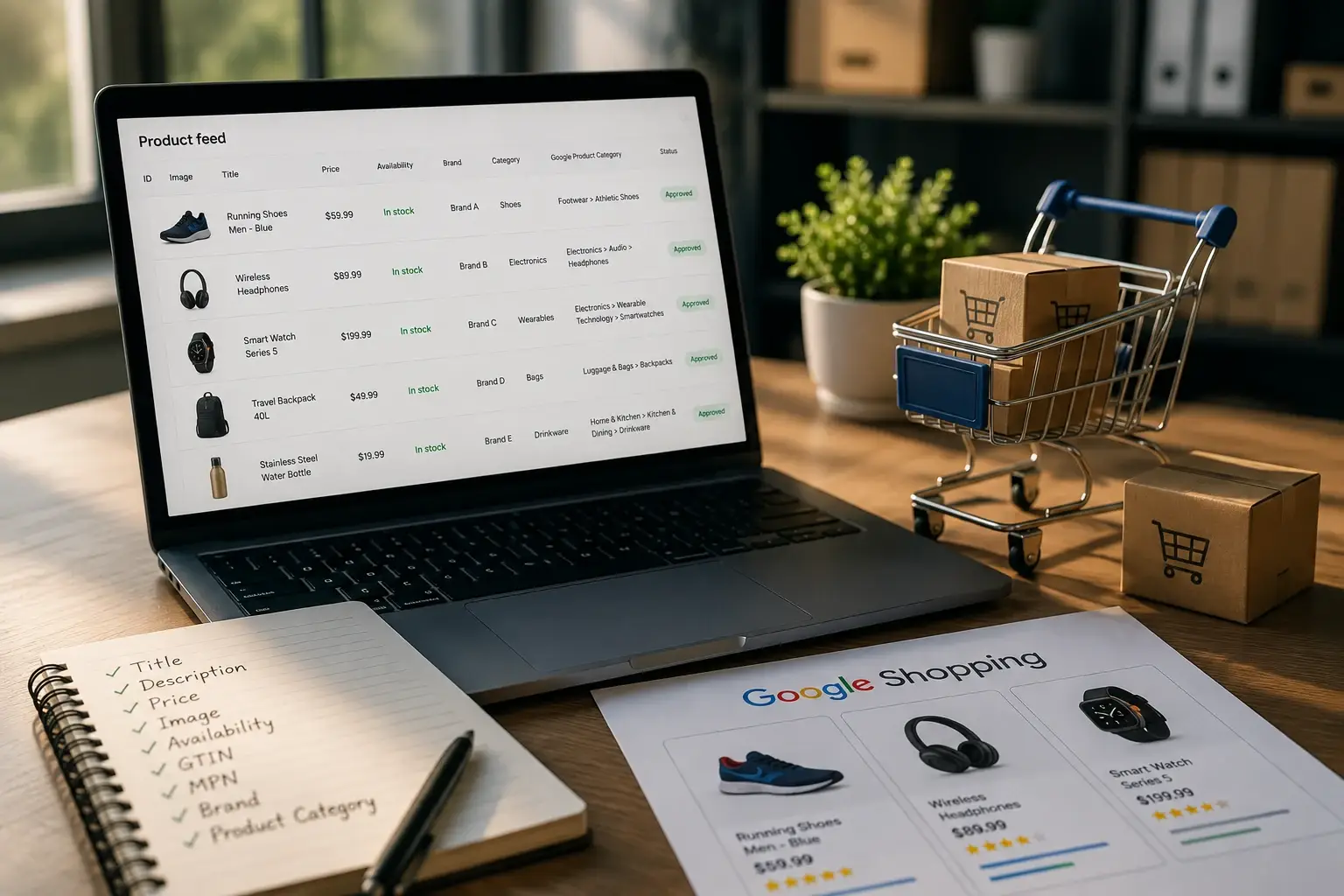
But Google Shopping doesn’t work like traditional text search ads. You don’t get to bid on specific keywords. Instead, Google reads the raw data inside your Google Merchant Center feed to decide when, where, and to whom your products are shown.
Your product feed is your keyword strategy.
At Spice Web Media, when an e-commerce client comes to us with stagnant Google Shopping results, the fix is rarely tweaking campaign settings inside Google Ads. It almost always comes down to fixing and optimizing their product feed.
Here is why your feed dictates your ad performance, and how to structure it to drive actual profit.
Build product titles that match how people actually search
Google’s algorithm relies heavily on your product titles to understand what you’re selling. If your website title says “The Classic Crew – Navy,” human visitors browsing your store might know what that means. But to Google’s search engine, that title is almost invisible.
To capture high-intent buyers, structure your feed titles using a proven, attribute-rich pattern:
[Brand] + [Product Type] + [Key Features: Color, Size, Material, Gender]
Instead of “The Classic Crew,” your feed title should read:
“Spice Co. Men’s Organic Cotton Crewneck T-Shirt – Navy Blue (Size Large).”
That single adjustment gives Google the exact attributes it needs to match your product with someone actively searching to buy.
Don’t skip GTINs (Global Trade Item Numbers)
If you sell manufactured products, missing GTINs (UPCs or EANs) inside your Merchant Center feed is like driving with the emergency brake on.
Google uses GTINs to validate precisely what product you’re selling and compare it across the web. Products submitted with accurate GTINs get prioritized in Shopping auctions and benefit from significantly lower Cost-Per-Clicks (CPCs) because Google trusts the data accuracy.
Optimize descriptions for context, not keyword stuffing
While the product title carries the heaviest weight for search matching, your product description gives Google the secondary context it needs to show your item for longer, detailed search queries.
Avoid copy-pasting generic 20-word manufacturer descriptions. Write 2–3 concise paragraphs that naturally include relevant specs: dimensions, compatibility, material details, and primary use cases. The goal isn’t to stuff keywords, but to provide complete product context that the algorithm can index accurately.
Segment your feed by profit margin, not just category
Not all products in your store make you the same amount of money. Selling a $20 accessory with a 10% margin requires a completely different ad strategy than selling a $250 item with a 60% margin.
By using Custom Labels inside your Merchant Center feed, you can tag products by margin level (e.g., High Margin, Low Margin, Bestseller). This allows you to split your Shopping campaigns so you aren’t overspending on low-margin items while under-funding the hero products that actually build your business.
The bottom line
Google Shopping isn’t about outbidding your competitors; it’s about out-informing the algorithm. The cleaner, more detailed, and better-structured your product feed is, the less you’ll have to pay Google to get your products in front of ready-to-buy customers.
Are your Google Shopping campaigns leaving profit on the table?
If you’re tired of burning through ad spend without seeing a clear return, let’s take a look under the hood. Book a low-pressure E-Commerce & Google Shopping Audit with Spice Web Media, and we’ll review your Merchant Center feed, uncover hidden waste in your ad account, and show you how to structure your campaigns for scalable revenue growth.